
SpaceUp Mac vs CleanMyMac: an honest comparison
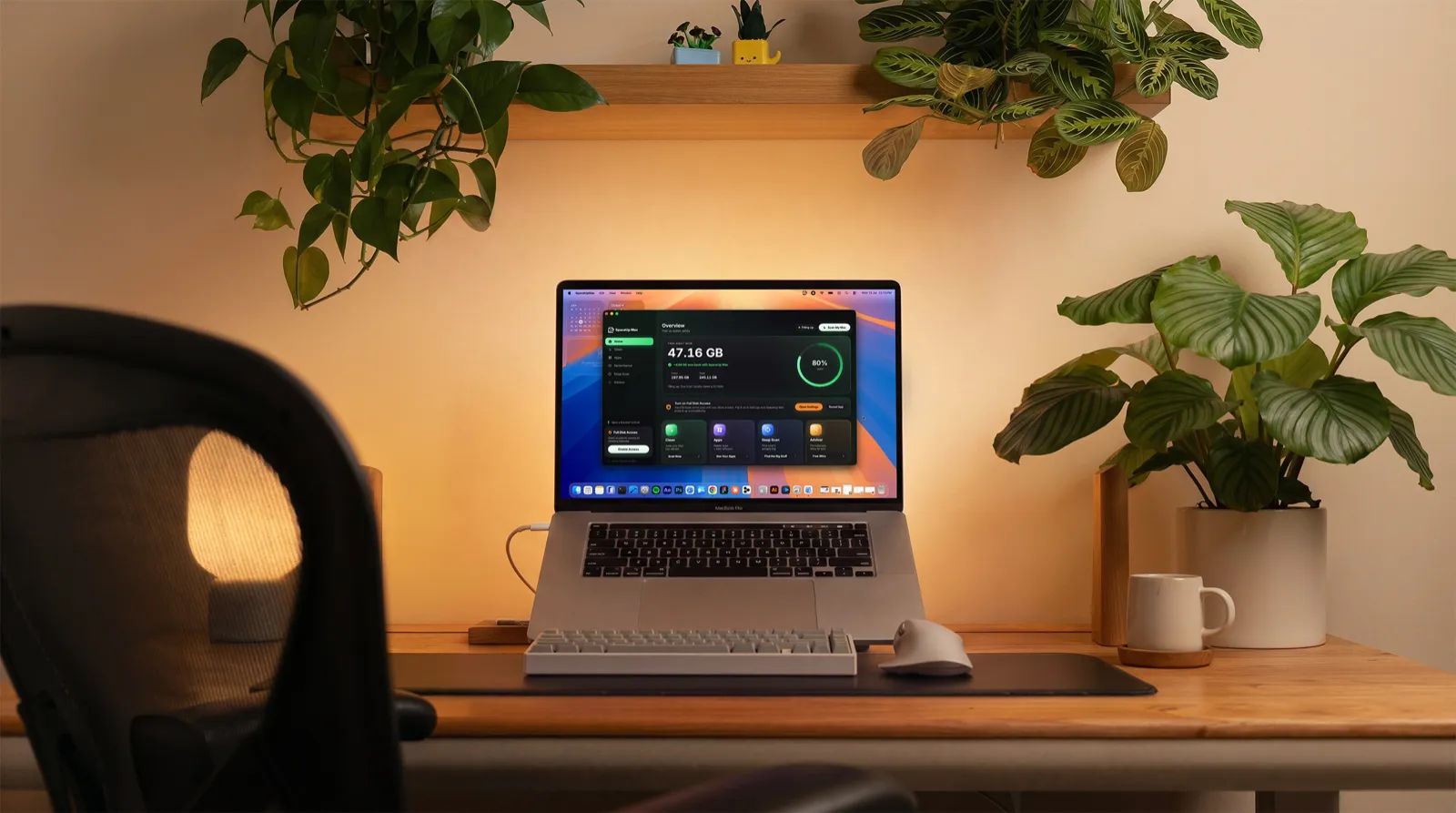
CleanMyMac and SpaceUp Mac disagree about what a Mac cleaner should be. CleanMyMac is a polished all-in-one suite that bundles junk cleanup with malware scanning and a long list of other modules. As of this writing it is $39.95 a year as a subscription, or $119.95 as a one-time purchase that covers the current version. SpaceUp Mac is $4.99 once, for life with every future version included, and stays focused on one thing: reclaiming space safely. It cleans rebuildable junk, clears developer and AI caches, finds big files, and uninstalls apps along with the files they leave behind, explaining every item in plain English and removing nothing until you approve it on a review screen. What it leaves out is the rest of the suite: no malware scanner, no speed booster, no background scans or alerts. Which one fits you comes down to whether you want an everything suite or a focused cleaner, and how much you want to pay for it.
One thing up front: we make SpaceUp Mac, so you know where the bias would sit. We have tried to keep this comparison fair anyway, and where CleanMyMac is genuinely better, we say so.
Also worth saying early: you may not need either app. If storage is only an occasional problem, macOS can handle a lot on its own, and our guide to freeing up disk space by hand walks through the free route first.
The short version
| CleanMyMac | SpaceUp Mac | |
|---|---|---|
| Price | $39.95 a year, or $119.95 one time for the current version, as of this writing | $4.99 one time, lifetime, every future version included. First scan and first clean are free |
| What it does | A full utility suite: cleaning, malware scanning and many more modules | Focused cleaning: rebuildable junk, developer and AI caches, big files, and app uninstall with leftover cleanup. No malware scanner or speed booster |
| Safety approach | Shows what it found before cleaning | Every item is labeled with what it is, why it is safe, and what happens when you remove it |
| How deletions work | You review the results, then clean | Three labeled paths: your own files go to the Trash, rebuildable junk is cleared directly, and the few permanent actions say so before you approve |
| Ease of removal | Long-running forum complaints say it is hard to remove completely | Drag it to the Trash. No background daemons. It leaves a preferences file, a couple of small cache folders and two small Keychain entries, all easy to delete |
| Platform | macOS | macOS 14 or later, Apple Silicon and Intel |
Where CleanMyMac is genuinely better
CleanMyMac is the category giant, with tens of millions of downloads and years of refinement behind it. Some things it simply does better.
- Breadth. It scans for malware and ships security and optimization modules that SpaceUp Mac does not have, and this page will not pretend otherwise.
- Maturity. It has been polished by a large team for years, and it shows.
- Guides. MacPaw publishes a huge library of Mac help content, and much of it is useful whether or not you buy anything.
If you want one app that covers cleaning, security and general maintenance under a single roof, CleanMyMac is the mature choice, and nothing below changes that.
Where SpaceUp Mac is different
It is a focused set of tools, not a suite
Everything in SpaceUp Mac points at one goal, giving you back space you can safely spare:
- Clean removes rebuildable junk: caches, logs and temporary files.
- Dev Mode clears developer and AI clutter: Xcode DerivedData, the npm, pnpm, Gradle and Homebrew caches, stray node_modules, and local model caches.
- Deep Scan finds the big files and folders buried in your home folder.
- Apps uninstalls apps and tracks down the files they leave behind.
- Performance shows memory use, lets you quit heavy apps, and lists what starts at login.
- Advisor runs Apple’s own tools to remove old Simulator runtimes, clear unavailable simulators and thin Time Machine snapshots, and asks before each one.
What it deliberately leaves out is the part that earns cleaners a bad name: no malware scanner, no “speed boost”, no background scans or alerts, and no subscription.
You pay once
SpaceUp Mac is $4.99, one time, with free updates including every future major version. The first scan and the first clean are free, with no account and no trial timer. There is no renewal, so the app has no reason to keep selling to you after you buy it.
Every removal is explained, then approved
Nothing is deleted without your approval on a review screen. Each item carries a plain reason: the npm cache entry, for example, tells you npm re-downloads anything it needs on the next install. Green means safe and pre-ticked, and you can untick anything before you hit Clean Up.
It is honest about where deleted files go
SpaceUp Mac splits removals into three paths, and every item is labeled with the path it takes.
- Your own files, like big files found in Deep Scan or apps you uninstall, move to the Trash. If you change your mind, you drag them back out.
- Rebuildable junk, like caches, logs and temporary files, is cleared directly. Trashing gigabytes of cache would just move the problem into the Trash, so the app removes it and your tools rebuild what they need.
- A few clearly labeled actions are permanent, like removing an old iPhone backup or emptying the Trash, and each one says so before you approve it.
The reasoning behind the split is in Why Trash-first, and the full model is documented in Cleaning and safety.
It understands developer and AI junk
Dev Mode covers the clutter most cleaners never look at: Xcode DerivedData, iOS device support files, and the npm, pnpm, Gradle and Homebrew caches. Stray node_modules folders and build output are found too, listed one project at a time so you can keep the ones you still use, and folders with generic names like build and target start unticked. AI desktop app caches are covered as well, and local AI models are listed with their sizes and never auto-deleted. Our guides on developer junk and AI app storage explain what all of it is.
It stays on your Mac
Scanning runs entirely on-device. There are no analytics, no trackers and no account, and the app goes online only for the license check and, if you allow it, an update check. The direct build asks for Full Disk Access so it can measure the folders it shows you, and you can revoke that anytime; the app keeps working with whatever access remains.
It leaves quietly
Uninstalling is dragging the app to the Trash. There are no background daemons. It leaves behind a preferences file, a couple of small cache folders, and two small Keychain entries kept so your license survives a reinstall, and the uninstall page lists exactly where they are and how to remove them.
Two numbers, both real: one scan found 117.45 GB of junk, and a 256 GB MacBook Air went from 39 GB free to 168 GB free, a 129 GB recovery we wrote up here. We do not publish other statistics because we have not measured any others.
The skeptic’s checklist, applied to both
Skeptical Mac users have judged cleaners with roughly the same five questions for years. They are good questions, so here they are, run against both apps.
Does it delete only what it says?
For CleanMyMac, threads on MacRumors and Apple’s own forums have reported false positives over the years, including a widely discussed case where a music library was treated as cache. Those are anecdotes, not audits, but they recur. SpaceUp Mac works from a fixed catalog of known junk locations, each with a written reason, and anything that is your own file goes to the Trash, so even a wrong call is recoverable. No cleaner is beyond misjudging; the fair test is whether a mistake can be undone and whether the app explained itself first.
Can you see and confirm everything first?
Both apps show you what they found before cleaning. Credit where it is due. The difference is in how much each item is explained and in what happens after you click, which is the three-path model above.
Does it nag you?
CleanMyMac offers a one-time purchase too, but its own terms say that price covers the current major version only, so a future major release is a separate purchase, and the subscription plan is the one it promotes hardest. Pushy marketing is one of the recurring complaints about CleanMyMac either way. SpaceUp Mac has nothing to renew and nothing gated: the $4.99 purchase includes every future update, major versions and all, with no subscription and no recurring charge.
Is it easy to remove?
Being hard to remove completely is another long-running CleanMyMac complaint on the forums. SpaceUp Mac removes by dragging to the Trash, with its few leftovers documented and deletable in a minute.
Does the vendor market honestly?
CleanMyMac’s marketing is broad and, by its critics’ account, aggressive. Our own view of the category is public in Mac cleaners are mostly scams, and it applies to us too: SpaceUp Mac never claims to speed up or boost your Mac, because cleaning storage does not do that. The Performance section shows memory use, lets you quit heavy apps and lists what starts at login, and stops there.
To be fair to CleanMyMac, scale cuts both ways. Tens of millions of users produce years of polish and also more complaint threads. The real differences between these two apps are the pricing model, the marketing style and the focus.
Which one should you pick
Pick CleanMyMac if:
- you want one app for cleaning, malware scanning and general maintenance
- $39.95 a year, or $119.95 once for the current version, fits how much you would use it
- you value the most mature, most polished product in the category
Pick SpaceUp Mac if:
- storage is the actual problem you are solving
- you would rather pay $4.99 once than $39.95 a year or $119.95 for CleanMyMac’s one-time plan
- your Mac is full of developer or AI clutter that generic cleaners ignore
- you want every deletion explained before you approve it, and an app that removes as easily as it installs
Pick neither if a single cleanup is all you need. The free-up-space guide and the System Data explainer cover most of it by hand. And if your real question is where the space went rather than what to delete, a visualizer answers it better than any cleaner; we compare the best one in SpaceUp Mac vs DaisyDisk.